If you sell through travel agencies, hotels or other resellers, you can give them a contract with net prices. They book by themselves in their own portal on your website, and you invoice them afterwards.
Switch on the Agency app under SettingsApps. Agency then appears under Apps in the sidebar. Read more about apps.
An agency is a reseller you have a contract with and who books on behalf of their own guests. A company that buys experiences for itself, for example for a staff party, is added as a customer under Customers instead, with Company switched on. See The customer list.
Add an agency#
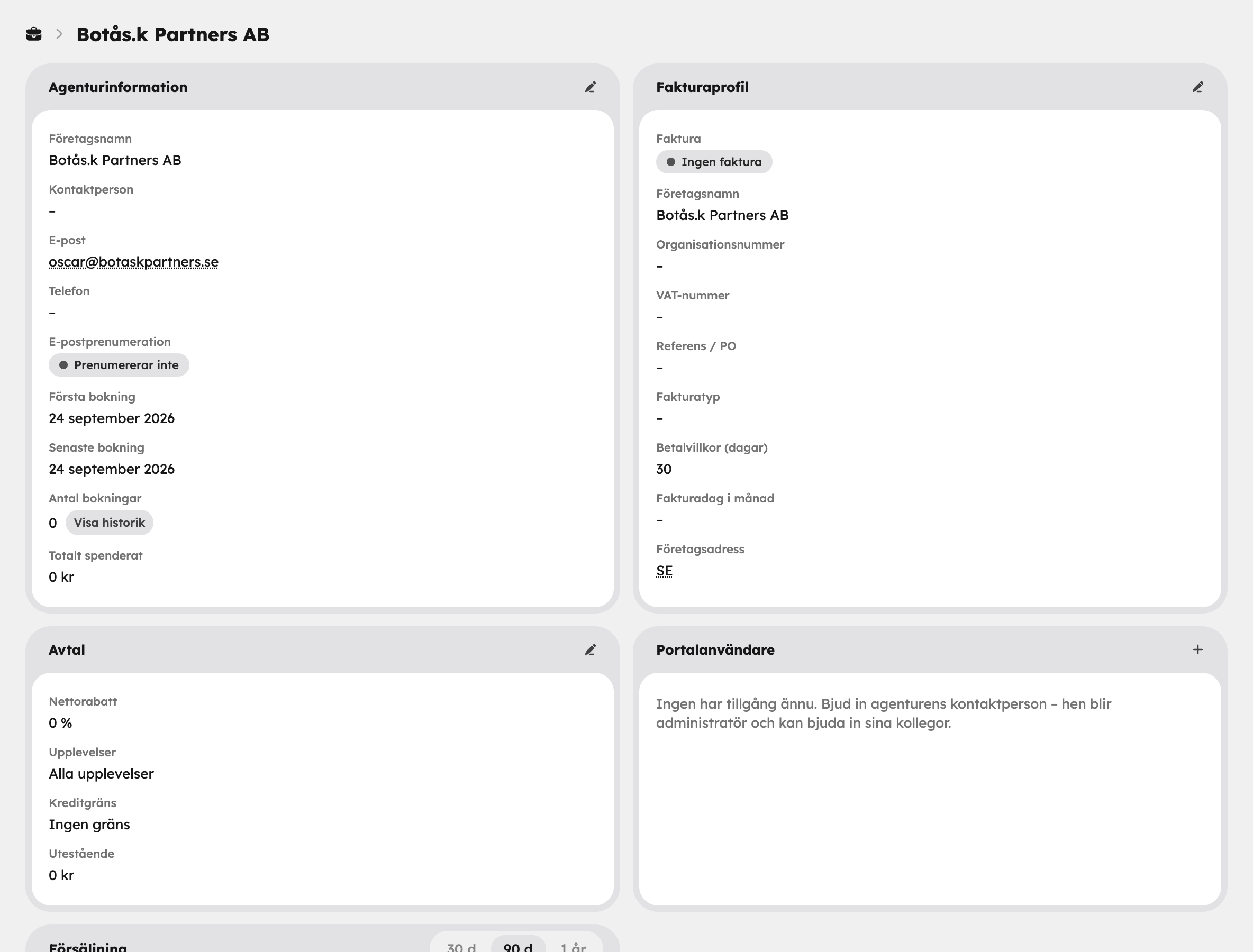
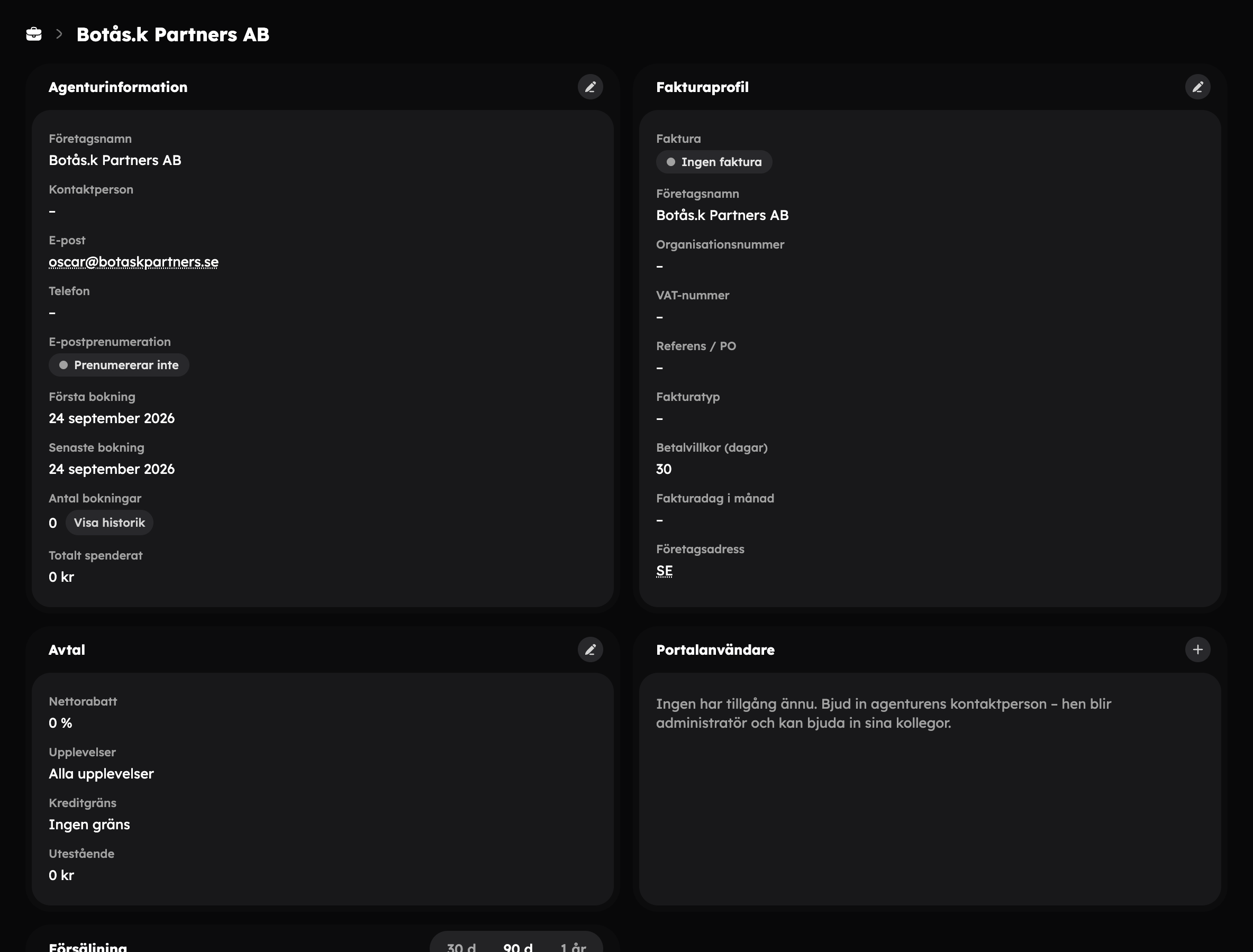
Go to Agency and click New agency. Fill in the company's details and a contact person. The agency then opens on its own page, where you set up the contract, users and invoicing.
Applications#
Resellers can also apply themselves through the form at /agency/apply on your website. An application appears in the agency list with the status New application. Open it and choose Approve and invite or Reject. If you approve, the agency is created and the contact person is invited to the portal as an administrator. Nothing can be booked until you have set up the contract.
Contract and net prices#
In the Contract card, click Edit contract:
- Net discount — what percentage below the regular price the agency pays. The agency is invoiced the regular price minus the net discount.
- Experiences — let the agency sell all experiences, or switch off All experiences and choose which ones they may sell. Each experience can have a Custom discount.
- Credit limit — the maximum amount the agency may have unpaid. Under Outstanding you can see how much is unpaid right now.
The agency portal#
The agency books in its own portal on your website, at the address /agency. There the agency's users can:
- log in with a one-time code sent by email,
- book at net prices,
- view and cancel their bookings.
Users with the administrator role can also see the agency's invoices and invite colleagues.
Invite users#
Open Portal users
On the agency's page, click the plus sign (Invite user) in the Portal users card.
Email and role
Fill in the email address and choose a Role: Booker — makes and views bookings or Administrator — also invoices and users.
Send
Click Send invitation. The invitation is valid for 7 days.
You can revoke an invitation or remove a user from the same card.
Book on behalf of an agency#
If the agency gets in touch by phone or email, you can book for them in the admin. Make a manual booking and choose the agency under Booking for. The booking gets the net price according to the contract, is confirmed immediately and is invoiced to the agency. Awrora checks that the experience is included in the contract and that the credit limit is sufficient.
Invoicing#
In the Invoice profile card you choose the Invoice type:
| Invoice type | How it works |
|---|---|
| Per purchase | One invoice for each booking. |
| Periodic consolidated invoice | One combined invoice per month, on the Invoice day of month you choose. |
Also enter the Payment terms (days). If the agency cancels a booking, the invoice basis is adjusted or the invoice is credited automatically.
Under Invoice history you see all invoices and the upcoming consolidated invoice. From the menu on an invoice you can, among other things, Download PDF, Send invoice, Finalise draft, Void invoice or Mark as uncollectible.
Sales per agency#
The Sales card shows the agency's bookings, guests, regular value, what has been invoiced and how much is unpaid. Choose a period — 30 d, 90 d or 1 year — and click Export CSV to reconcile.
Bookings from agencies also appear as a separate source in the statistics.
Archive an agency#
If you no longer work together, archive the agency in the list. Bookings and invoice records are kept.