Credits measure how much AI your business uses. Each plan has a number of credits per month that everyone on the team shares. Admin usually shows usage as a percentage, and the detail page shows the exact number of credits.
What uses credits?#
Messages to Aurora. Every message you send to the AI assistant costs credits depending on the tier you choose:
| Tier | Credits per message |
|---|---|
| Fast | 1 |
| Thinking | 4 |
| Pro | 10 |
Pro is included from the Bas plan. It's the message that costs, not how long the answer is or how many tools Aurora uses to answer.
When Aurora moves your website. If you move an existing website to Awrora through Aurora, it uses credits at the Thinking tier: when she goes through the pages and for each page she creates. If she interprets a file you import during a move, it costs 1 credit per file.
These don't use credits:
- Alt texts created automatically for images in the media library.
- Automatic translations of the shop. They have their own limit, see Languages and currencies.
Credits per plan#
| Plan | Credits per month |
|---|---|
| Free | 100 |
| Bas | 500 |
| Plus | 1,000 |
| Premium | 2,500 |
- On a paid plan, the month counts from the start of the billing period. If you pay annually, the allowance still applies per month.
- On Free, the calendar month counts.
- Unused credits don't carry over to the next month.
- If you upgrade, a new period starts straight away and you get the new plan's credits at once.
Read more about the plans in Plans and billing.
See your usage#
- In the chat, the ring in the message box shows how much is left as a percentage.
- Under SettingsBilling, the AI usage row shows, for example, "64% left · 180 of 500 credits used" and when the credits reset.
- Click the row to open the AI usage page with This period, Extra usage, By tier (messages and credits per tier) and By user.
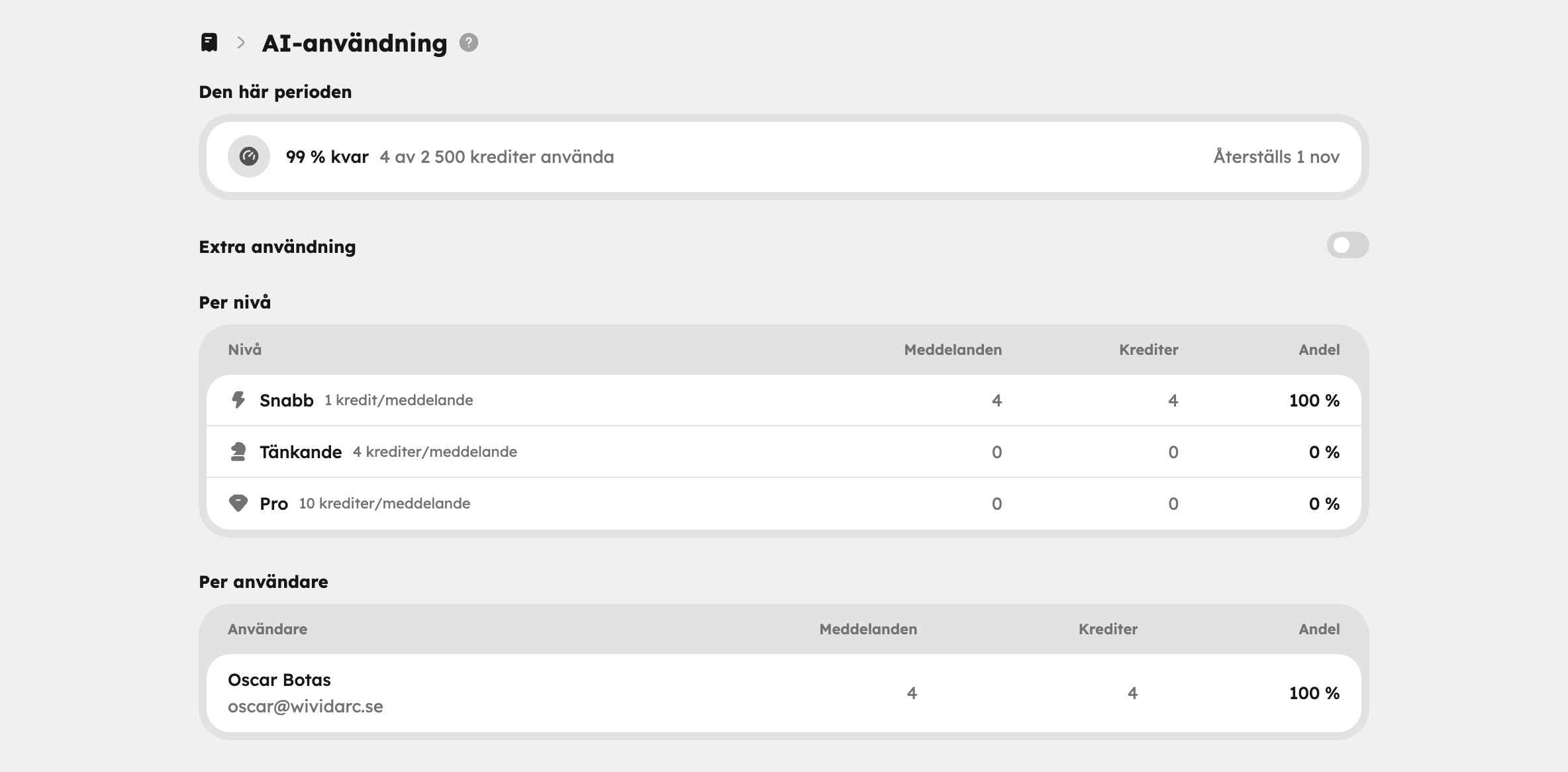
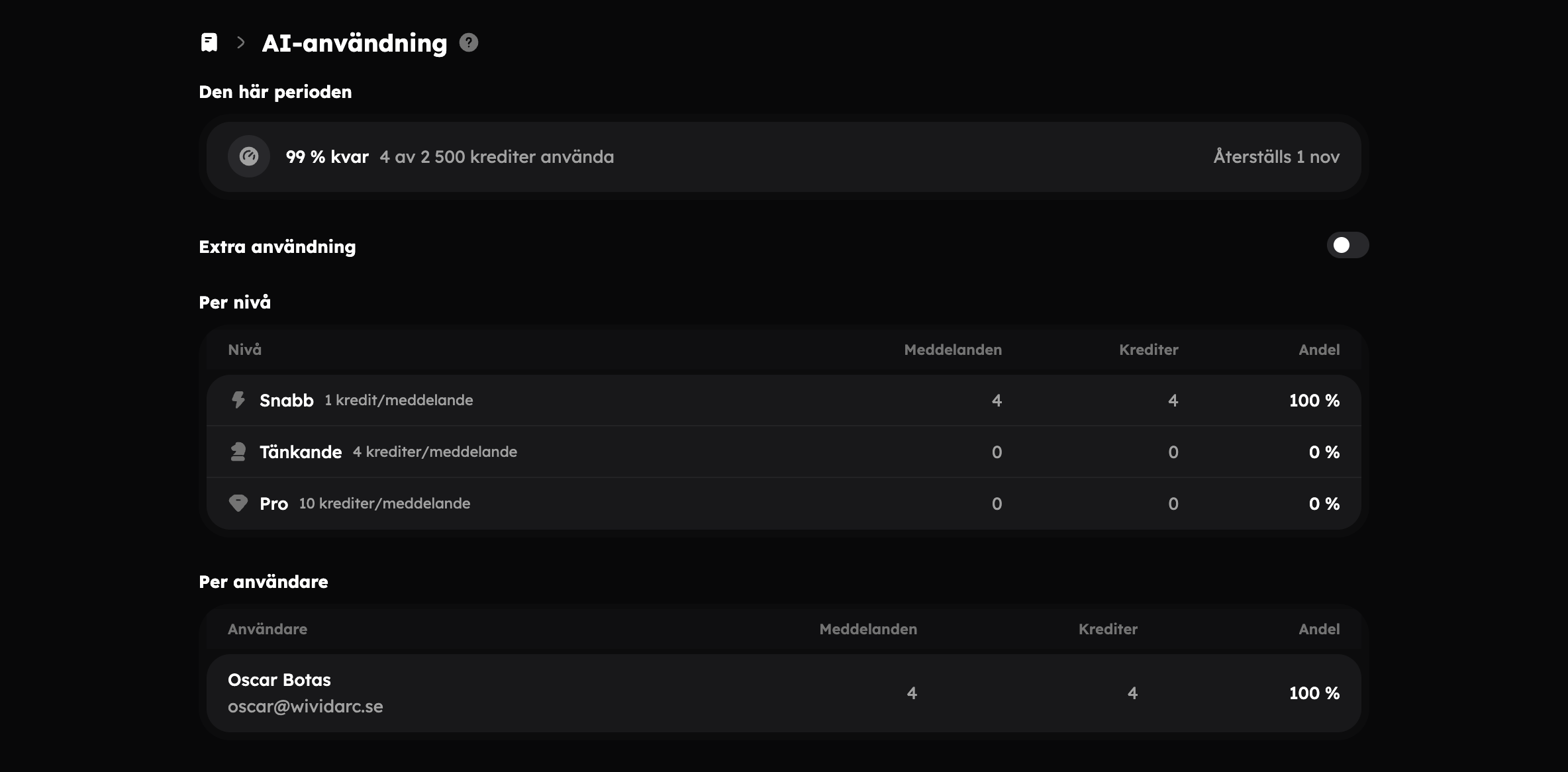
The billing page is open to administrators. You can also ask Aurora how much is left — she sees the same figures as you.
When the credits run out#
Aurora stops before answering and shows that this month's AI usage has run out and when it resets. She never silently switches to a cheaper tier. From here you can:
- wait until the credits reset,
- move to a bigger plan with See plans,
- turn on Extra usage (owner only).
If you're not an administrator, Aurora asks you to contact an administrator at the company.
Extra usage#
With Extra usage, Aurora can carry on when the plan's credits have run out. Each credit beyond the plan costs the price shown on the page, currently SEK 1, and is charged on the next invoice.
Open AI usage
Go to SettingsBilling and click the AI usage row.
Turn on Extra usage
Turn on the switch next to Extra usage.
Choose a limit
Under Monthly limit, choose Fixed amount and enter an amount in kronor, or Unlimited.
When extra usage is on, you see Used this period, Price and Monthly limit. The plan's credits are always used first.
- Only the owner can turn it on, turn it off and change the limit. Other administrators can see the setting but can't change it.
- Extra usage requires a paid plan.
- When the limit is reached, Aurora stops again until next month, or until the owner raises the limit.
- If the subscription payment doesn't go through, extra usage is paused until the payment has been completed.