The Google Tag Manager app loads your own container in the shop. In the container you decide which tags run — Google Analytics 4, Google Ads, the Meta pixel or something else — and Awrora puts the booking events in dataLayer so your tags have something to trigger on.
Google Tag Manager is an app you install under SettingsApps. It works on every plan. Administrators install the app and set the container ID.
The container loads where your guests are: in the shop, in the booking flow you've embedded on your own site and in the checkout with its thank-you page. It never loads in the admin.
Connect your container#
Get the container ID
Open your container in Google Tag Manager and copy the ID at the top. It starts with GTM-, for example GTM-AB12CD3.
Install the app
Go to SettingsApps and click Install next to Google Tag Manager. Then choose Open next to the app under Active apps.
Paste in the ID
Paste the ID into the Container ID field in the Your container card and click Save in the bar that appears at the bottom.
Publish the container
Check that the container is published in Google Tag Manager. It's a good idea to use Tag Manager's preview mode on your shop to check that the events come through.
Events in dataLayer#
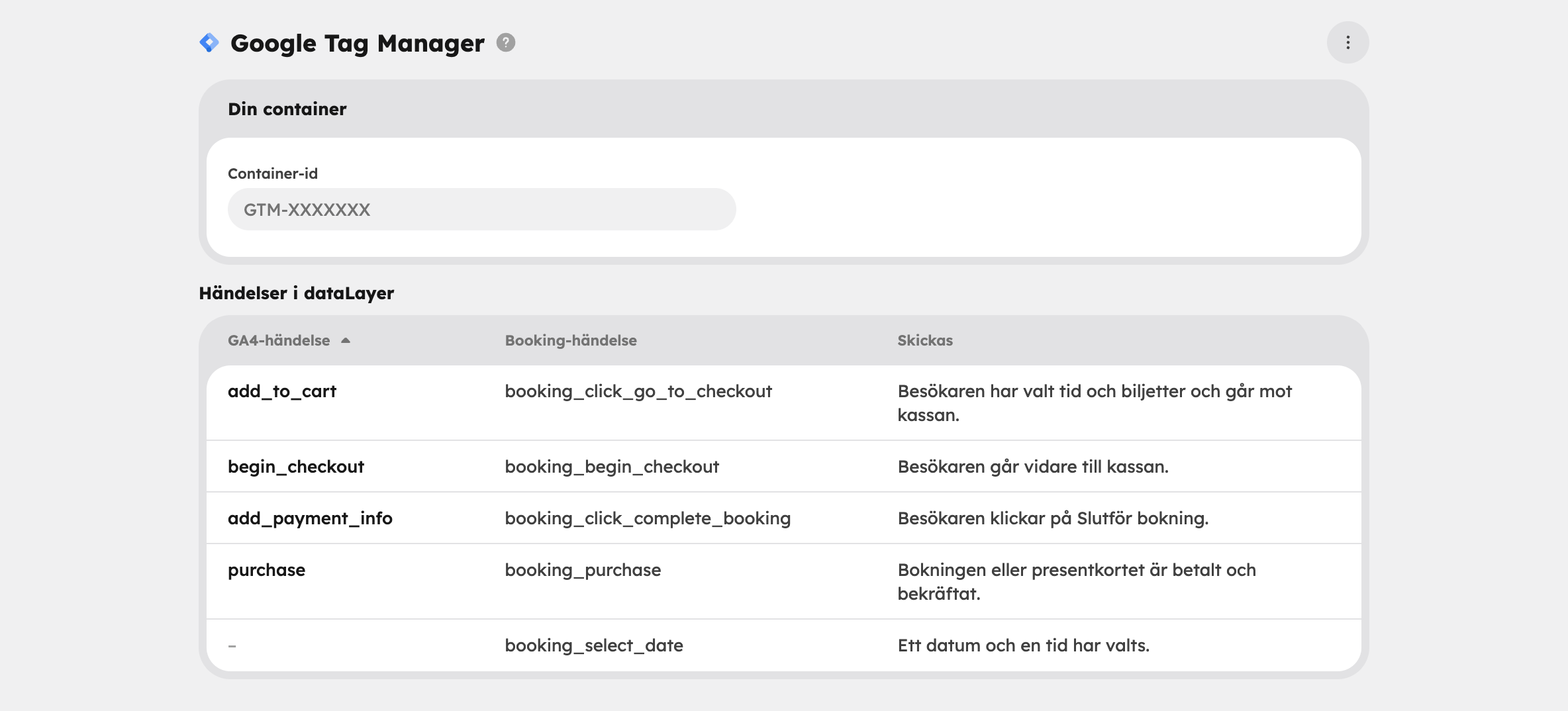
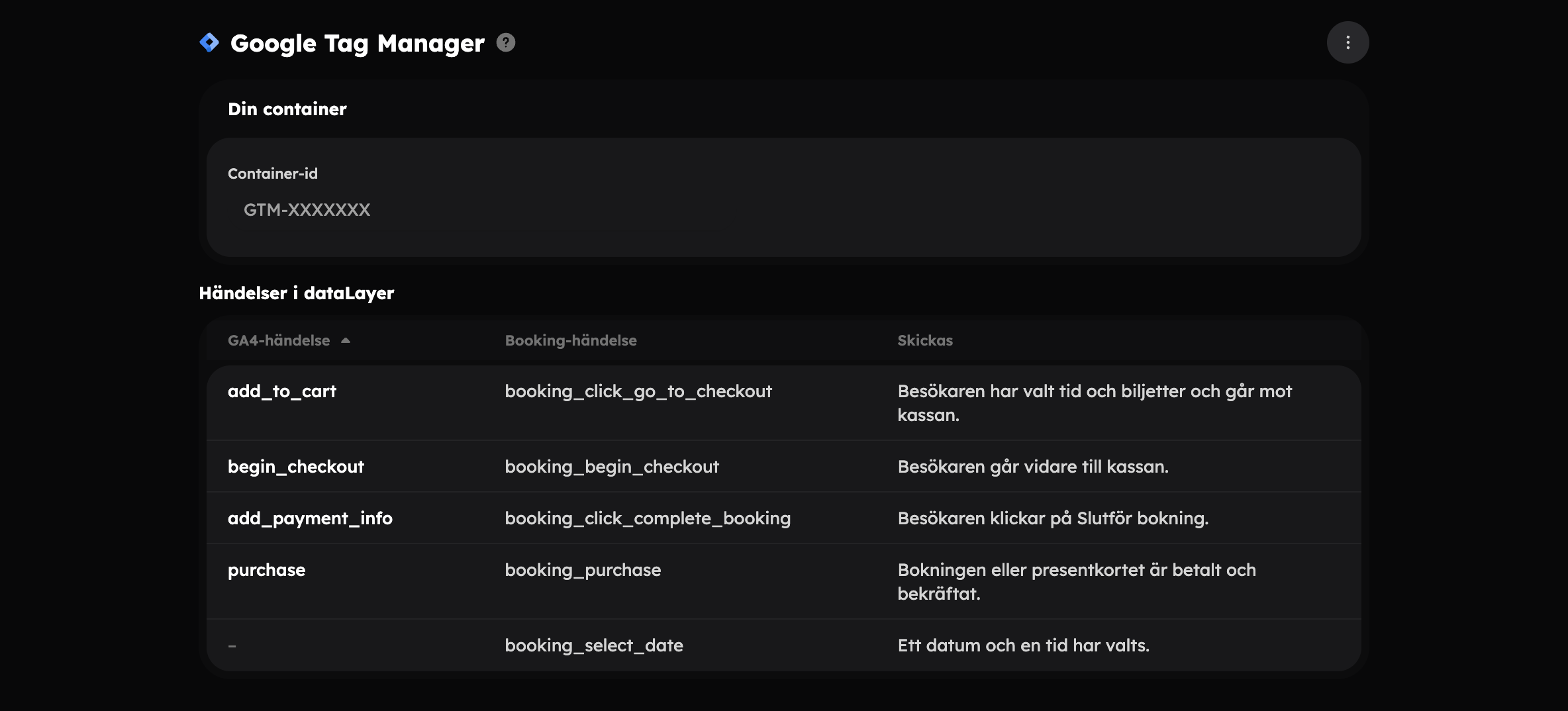
The Events in dataLayer table on the app's page shows what the shop sends. Most steps in the booking are sent twice, under different names:
- GA4 event — Google's standard ecommerce names. Use them with a GA4 event tag if you want to fill the purchase and revenue reports in Google Analytics.
- Booking event — Awrora's own names, which you can use as your own triggers (Custom Event) in Tag Manager.
| GA4 event | Booking event | Sent |
|---|---|---|
add_to_cart | booking_click_go_to_checkout | The visitor has chosen a time and tickets and is heading to checkout. |
begin_checkout | booking_begin_checkout | The visitor continues to checkout. |
add_payment_info | booking_click_complete_booking | The visitor clicks Complete booking. |
purchase | booking_purchase | The booking or gift card is paid and confirmed. |
| — | booking_select_date | A date and time have been chosen. |
Among other things, the events carry the value (value), currency (currency), the experience (experience_slug, experience_title), number of people (pax), discount code (coupon) and the tickets (items). The purchase also has a transaction ID (transaction_id).
Page views aren't sent as separate events. Use a tag with the page view or history change trigger in Tag Manager.
Together with the Google Analytics app#
Don't use both apps for the same thing. If you have GA4 in your container, you don't need the Google Analytics app. If both are switched on and the container also sends to the same measurement ID, visits and purchases risk being counted twice.
If you only want Google Analytics and nothing else, the Google Analytics app is simplest — all it needs is a measurement ID.
Cookies and consent#
The tags in your container often set cookies, and consent is your responsibility as a business. You can use Awrora's cookie banner or your own consent tool in the container:
- With the cookie banner and Google Consent Mode v2 switched on, the container loads only once the visitor has accepted statistics or marketing, and the tags receive the visitor's choice as consent signals.
- Without the cookie banner, or with Consent Mode switched off, the container loads as soon as the page opens. You then need to handle consent in the container yourself.
Disconnect or uninstall#
Click Disconnect below the field and the container stops loading. You can also empty the field and save.
If you uninstall the app under SettingsApps, the container also stops loading, but the ID is kept. If you install the app again, the same container loads.