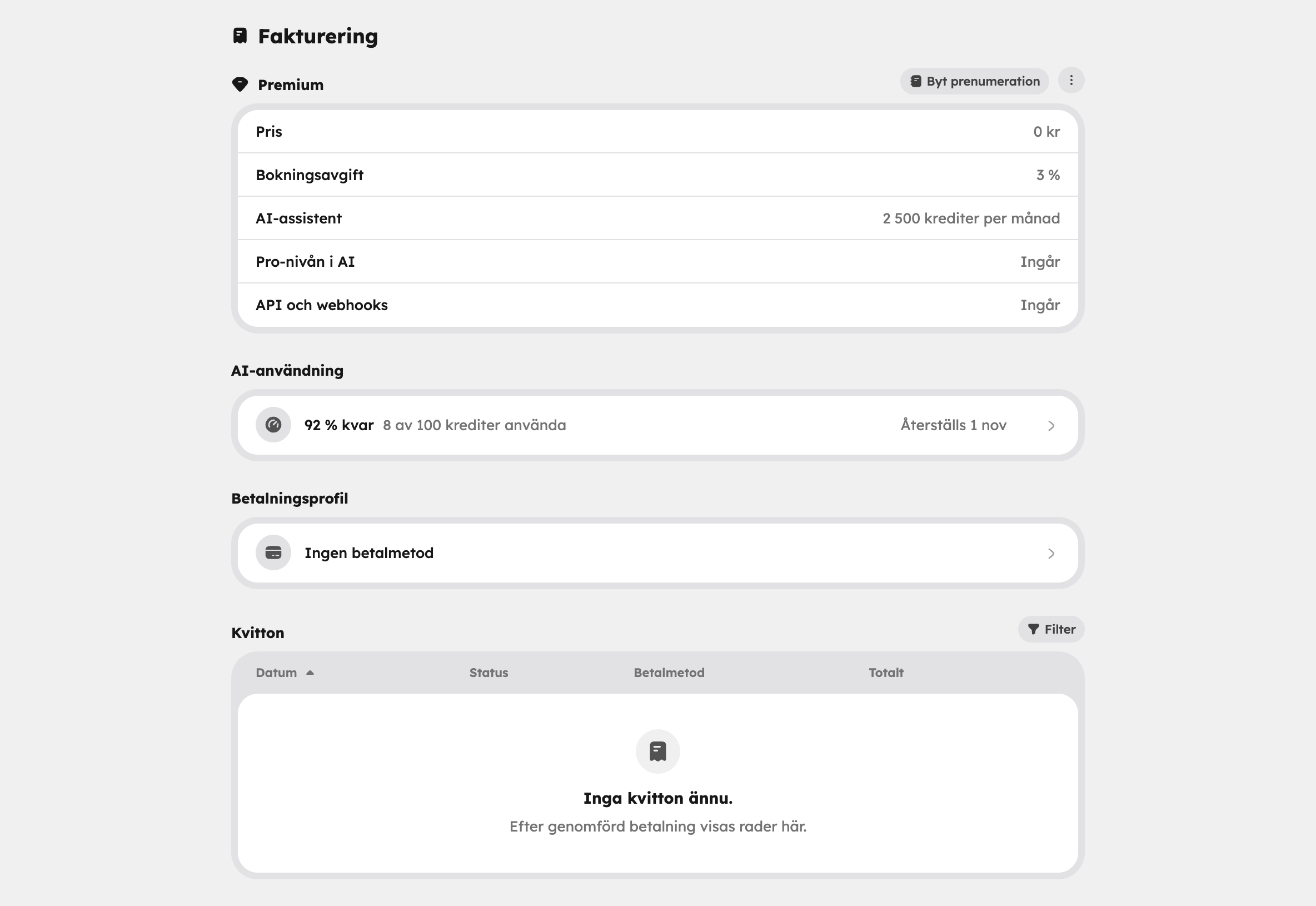
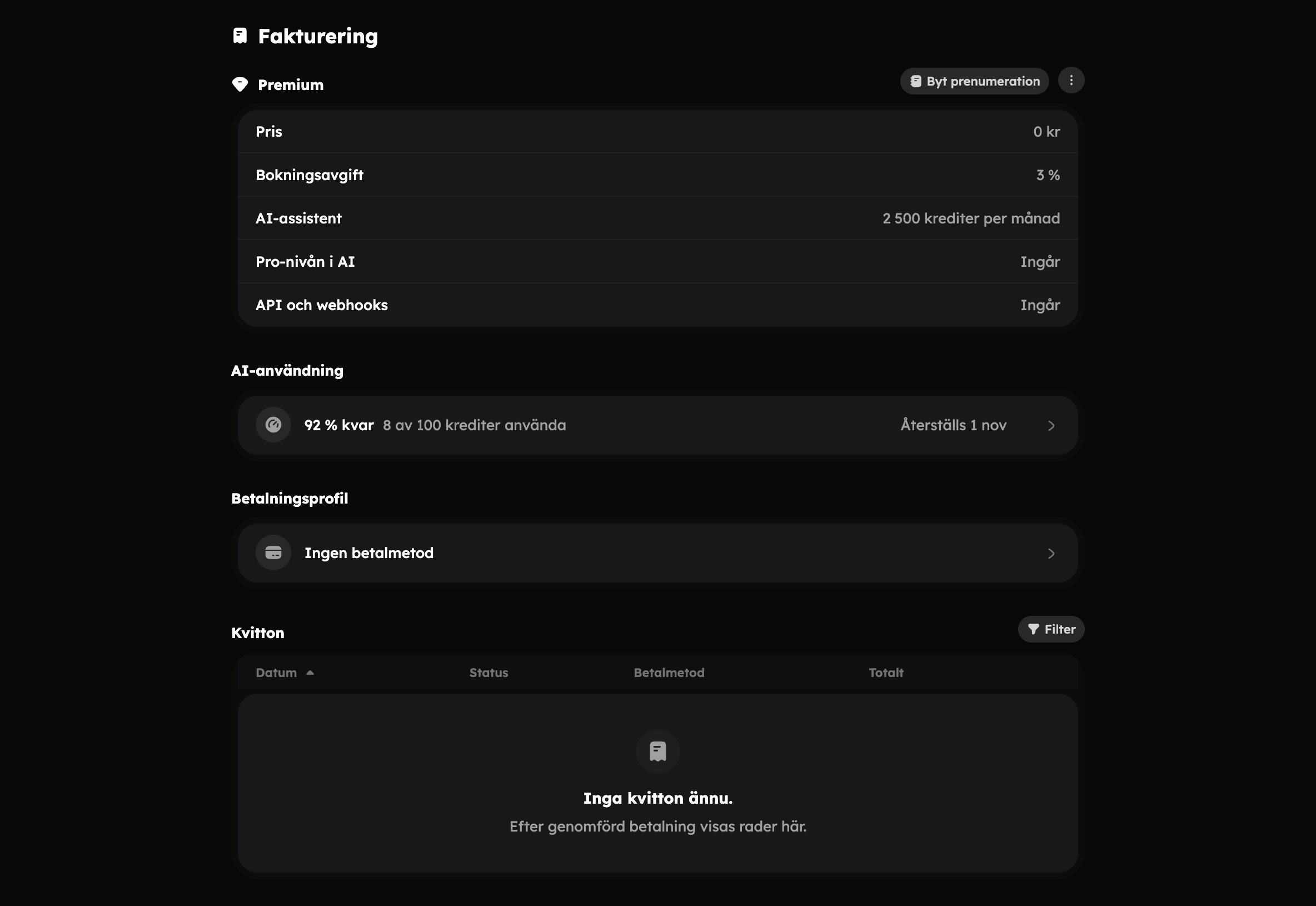
Awrora has four plans. You can start for free with no time limit and upgrade whenever you like. Everything to do with your plan and payment is under SettingsBilling.
The plans
| Free | Bas | Plus | Premium | |
|---|---|---|---|---|
| Price per month | SEK 0 | SEK 199 | SEK 499 | SEK 1,499 |
| Price per year | — | SEK 1,990 | SEK 4,990 | SEK 14,990 |
| Booking fee | 6% | 4% | 3% | 2% |
| AI usage per month | 100 credits | 500 credits | 1,000 credits | 2,500 credits |
| AI tiers | Fast, Thinking | All, including Pro | All | All |
| API and webhooks | — | Yes | Yes | Yes |
Paying yearly gives you two months free. The booking fee is charged on bookings paid online and on bookings paid on site. Read more about fees and payouts in Payments.
The Free plan has no time limit. You don't need to add a payment card until you choose a paid plan or switch on Pay on site.
Choose or change plan#
Open Billing
Go to SettingsBilling.
Choose a plan
Click Change subscription next to the plan's name. Choose Monthly or Yearly and click the plan you want.
Pay
The first time, you fill in your billing details, click Continue to card and enter the card. Payment takes place directly in the admin.
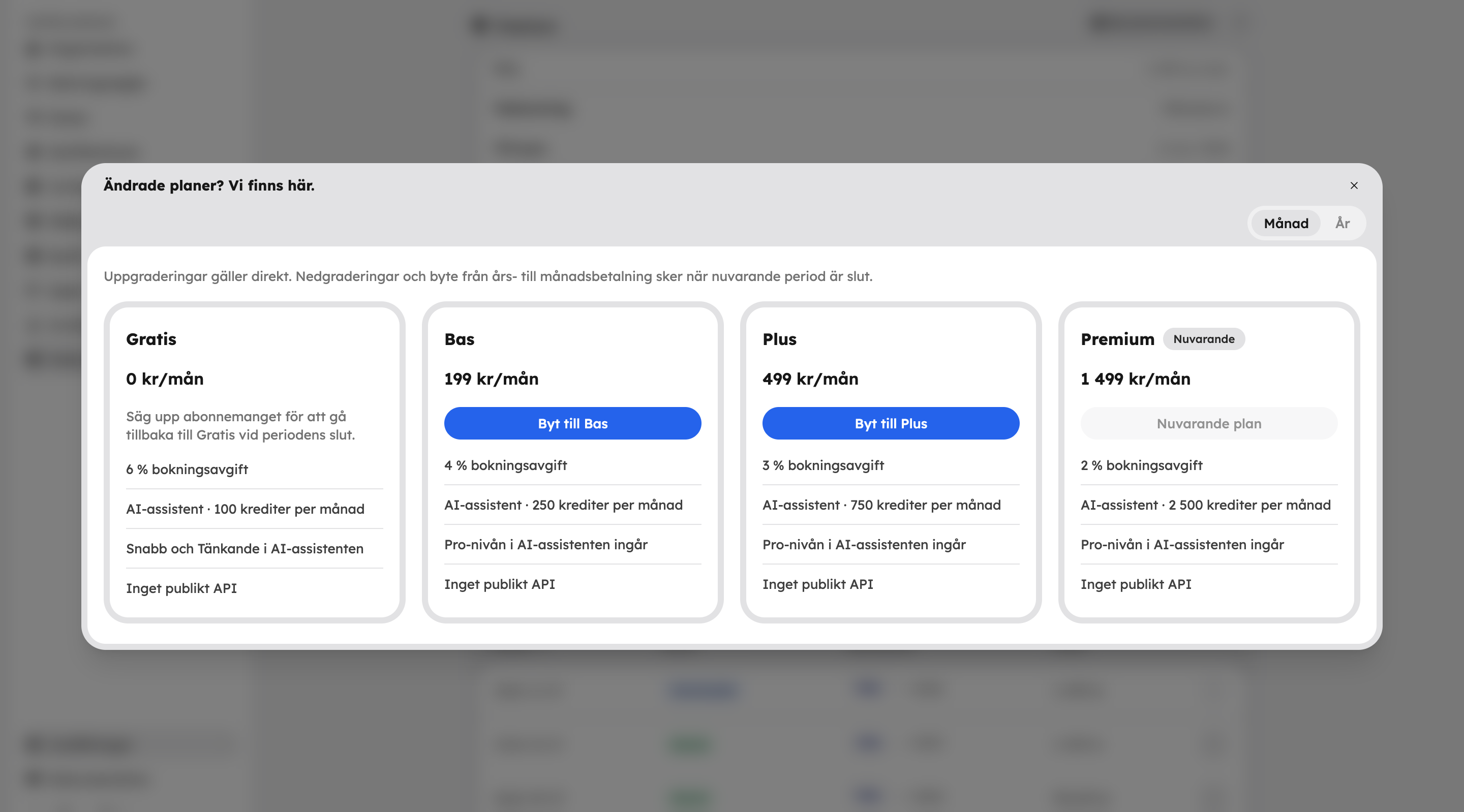
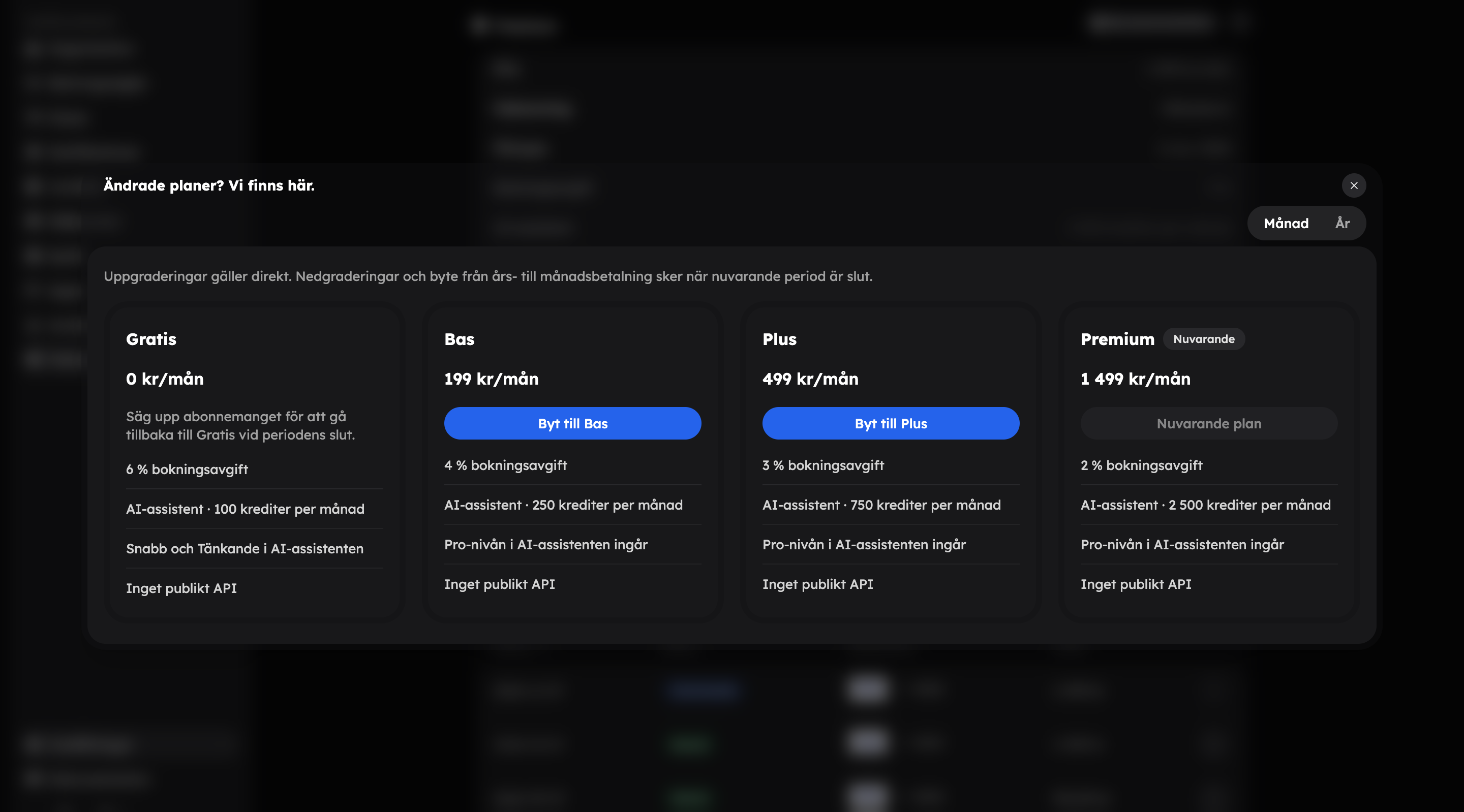
- An upgrade takes effect immediately. A new period starts, unused time on the old plan is credited, and you get the new plan's AI usage straight away.
- A downgrade takes effect when the current period ends. You keep your plan until then.
- You switch between monthly and yearly payment under Settings in the menu next to the plan. Switching to yearly takes effect immediately; switching to monthly happens when the yearly period ends.
- You can undo a scheduled change until then with Undo plan change or Undo interval change in the same menu.
- Choose Cancel subscription in the menu to go back to Free when the period ends. If you change your mind, choose Undo cancellation.
Only the organisation's owner can change the plan and manage payment. See Team and roles.
Payment and receipts#
Click Billing profile on the billing page to get to:
- Payment methods — click Add payment method and choose which card is the default with Make default.
- Billing information — the details shown on your receipts.
Under Receipts on the billing page you'll find all receipts and invoices. Choose View receipt, Download receipt or Download invoice in the menu on the row.
If you take payment on site instead of online, the booking fee for those bookings is invoiced afterwards, once a month. That's why a payment card is needed for payment on site. See Payments.
AI usage#
Every message to the AI assistant uses credits: Fast 1, Thinking 4 and Pro 10. How many are included per month depends on the plan. Unused credits don't carry over to the next period.
Everything about what uses credits is in AI credits. Under AI usage on the billing page you can see how much is left and when it resets. Click the row to see usage By tier and By user.
Extra usage#
When the month's AI usage has run out, the assistant stops until the next period. If you want to be able to carry on, the owner turns on Extra usage — this needs a paid plan. Each credit beyond the plan then costs SEK 1 and is charged on the next invoice. You choose a monthly cap in kronor yourself, or no limit.
If the subscription payment doesn't go through, extra usage is paused until the payment has been completed.