Zapier is a service that connects apps without code. You build a Zap: "when this happens in Awrora, do that in another app". For example, every new booking can become a row in a spreadsheet or a message in Slack.
Zapier is an app you install under SettingsApps. It works on every plan. The organisation's owner creates the key that connects Zapier to Awrora. The Zapier app is in private beta — the Open Awrora in Zapier button appears on the app's page when an invitation link is available.
Connect Zapier#
Install the app
Go to SettingsApps and click Install next to Zapier. The app appears under Active apps.
Create a key for Zapier
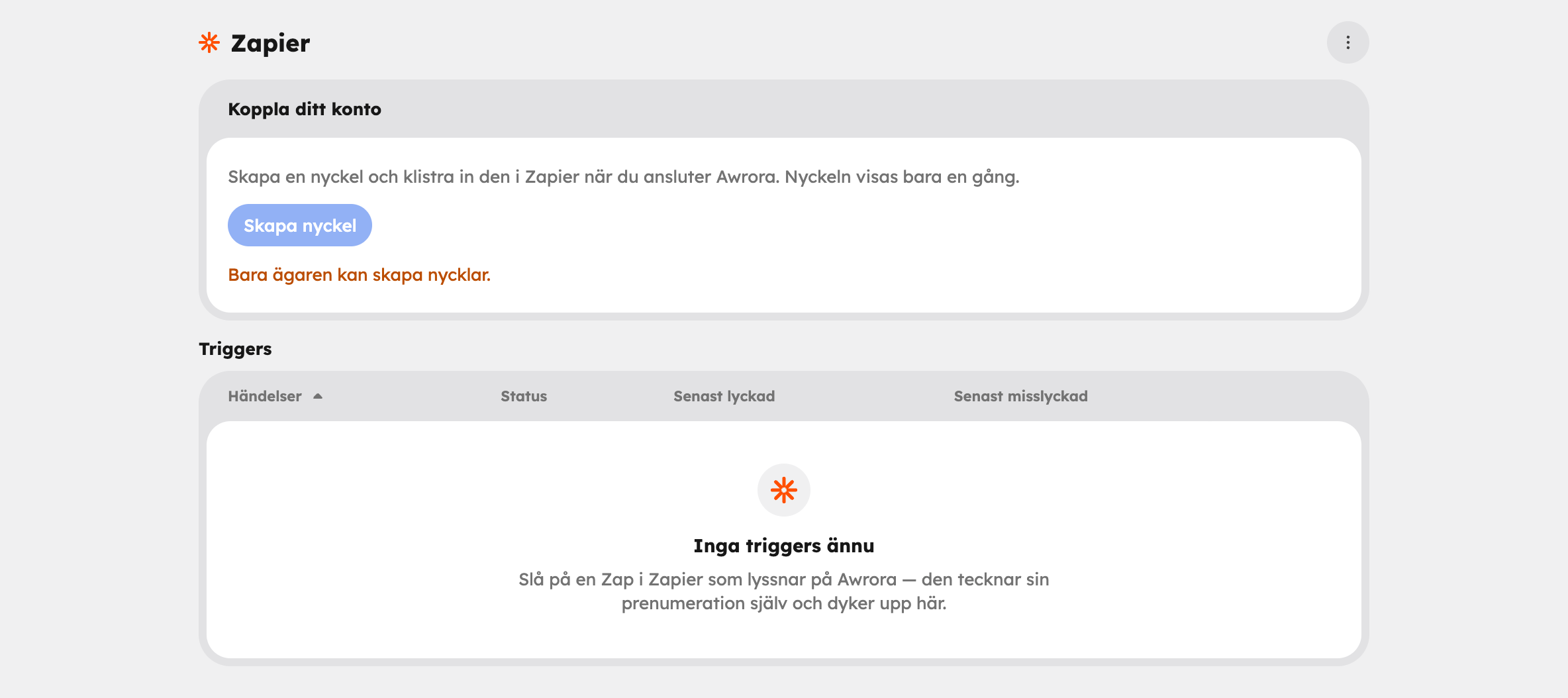
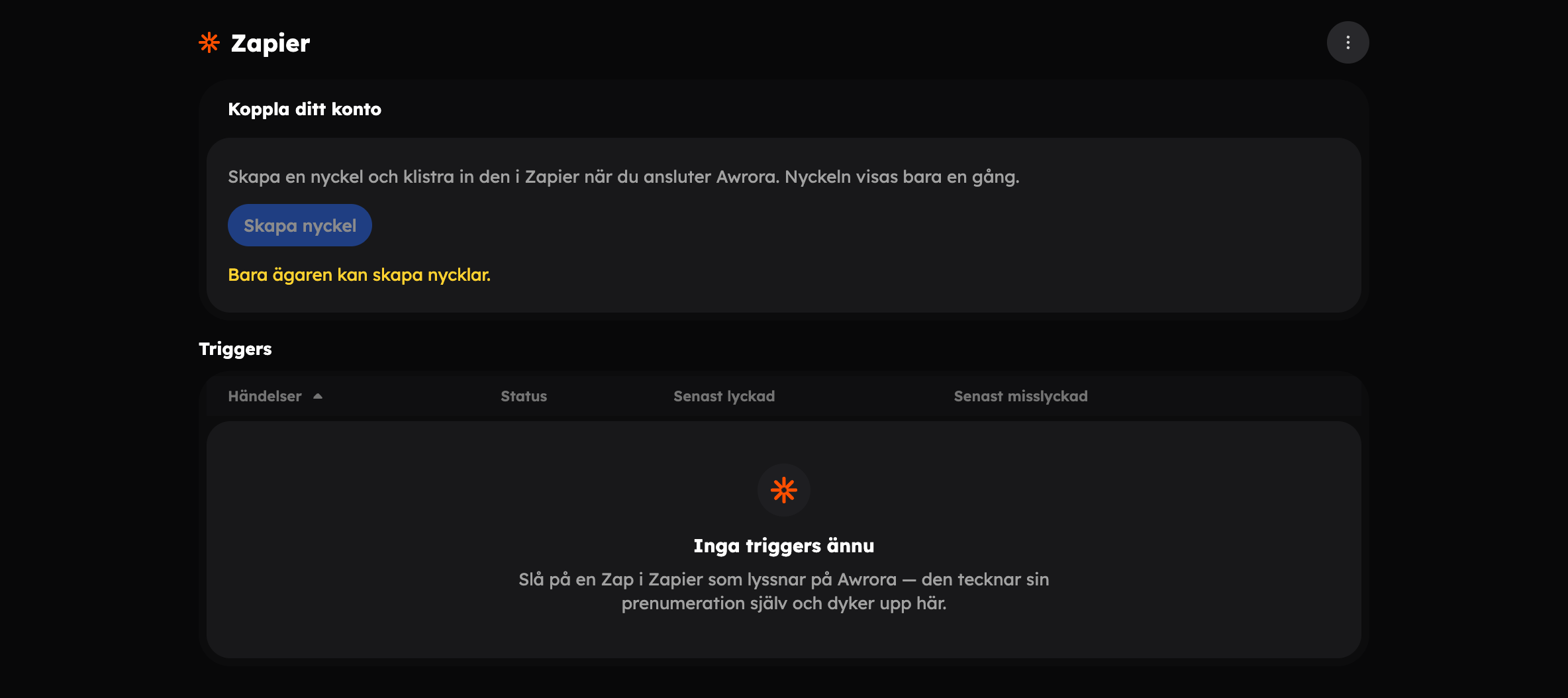
Choose Open next to Zapier under Active apps and click Create key in the Connect your account card. The key is Zapier's login to Awrora and is shown only once — copy it straight away.
Open Awrora in Zapier
Click Open Awrora in Zapier in the same card. Log in to Zapier, choose Awrora and paste in the key when Zapier asks for it.
Build your first Zap
Choose an event in Awrora and what should happen in the other app. Switch on the Zap and make a test booking.
What Zapier can do with Awrora#
Start a Zap when:
- a booking is created, confirmed, cancelled or rescheduled — New Booking, Booking Confirmed, Booking Cancelled, Booking Rescheduled,
- a customer is added or changed — New Customer, Updated Customer,
- a gift card is issued or used — New Gift Card, Gift Card Redeemed.
Do in Awrora: create a booking, cancel a booking, create or update a customer. Zapier can also search for a customer, booking, experience or departure. When you choose an experience and departure in Zapier, you get drop-down lists with your own experiences.
Ideas to get you started#
- Google Sheets — a row per new booking, which you can filter and send to your accounting.
- Slack — a message in a channel when a booking is cancelled.
- Mailchimp — add new customers to a newsletter list.
- Google Calendar — create a calendar event for every confirmed booking.
- Trello — a card per new booking, for example for preparations.
- Gmail — email the gift card when a new gift card is issued.
- Typeform — create a booking in Awrora when someone fills in a form.
Amounts are sent as whole numbers in the smallest currency unit (öre for SEK): SEK 1,390 arrives as 139000. Add a step with Formatter by Zapier that divides by 100 before the amount is shown to a person.
When a gift card is issued, the code is included, because it's needed to email the card. The code is a means of payment — don't write it to spreadsheets or channels that many people can read.
See how it's going#
The Zapier app's page has the Triggers table: the events Zapier is currently listening for, with their status and Last succeeded and Last failed delivery. They are added and removed automatically when you switch Zaps on and off in Zapier. Choose View deliveries for details — there you can also requeue a delivery that failed.
Disconnect#
Open the menu at the top right of the Zapier page and choose Disconnect Zapier. Zapier's keys are revoked and its triggers are removed, so your Zaps stop working immediately. Only the owner can disconnect. If you want to connect again, create a new key.
If you uninstall the app under SettingsApps, the same thing happens: the keys are revoked and the triggers are removed before the app is switched off.
Need more control than Zapier gives you? See Webhooks and Awrora's API.