Under SettingsLegal you write the shop's policies. This is where the text lives: the shop, checkout and the footer all fetch it from here.
Administrator permissions are required to change the policies.
The policies#
The page has two tables with eight policies. Each policy has its own page in the shop.
| Table | Policy | Address in the shop |
|---|---|---|
| Customer privacy | Privacy policy | /privacy |
| Customer privacy | Cookie policy | /cookies |
| Customer privacy | Data sharing opt-out page | /data-sharing-opt-out |
| Policies | Terms of purchase | /terms |
| Policies | Cancellation policy | /cancellation |
| Policies | Gift card terms | /gift-card-terms |
| Policies | Contact details | /contact |
| Policies | Legal notice | /legal-notice |
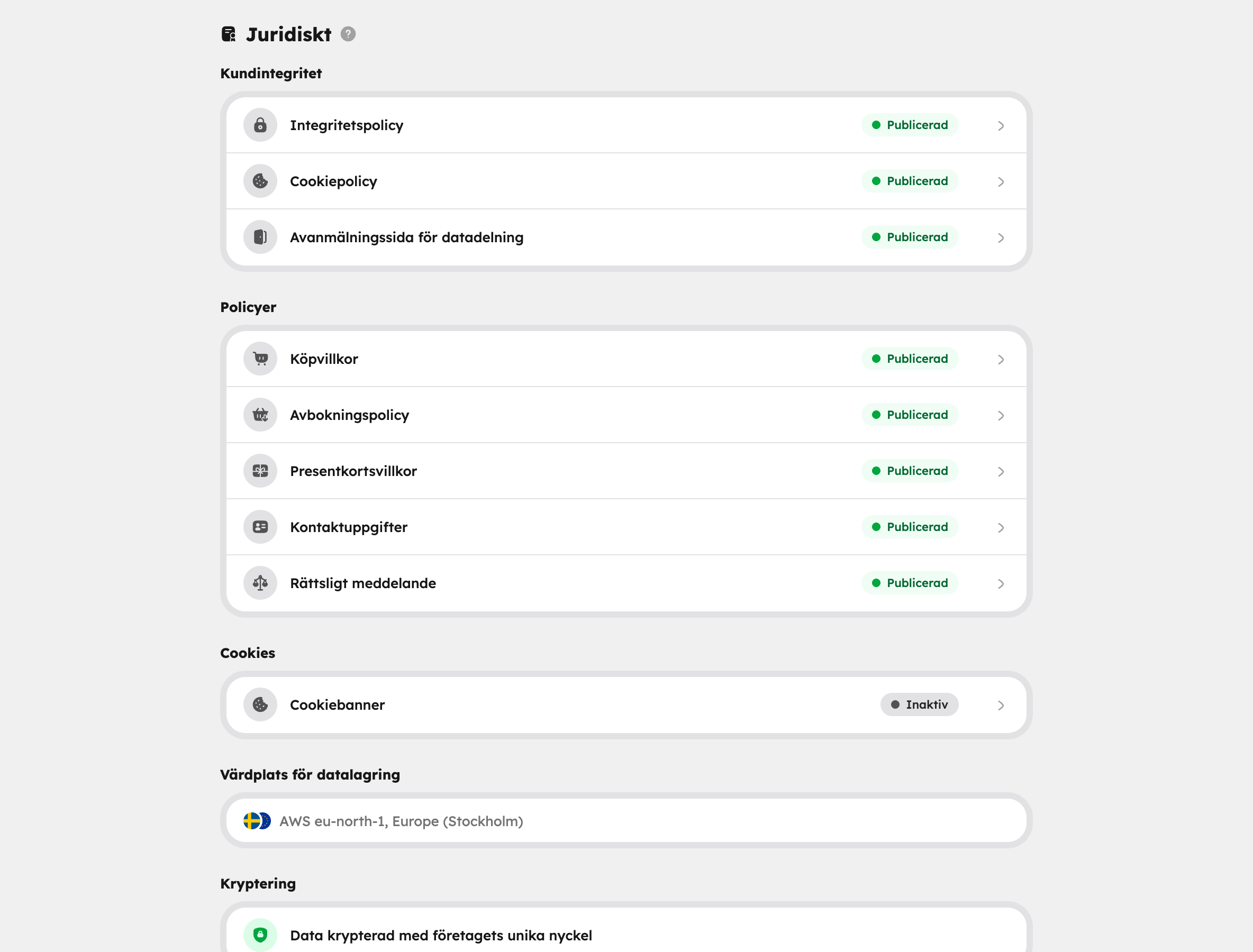
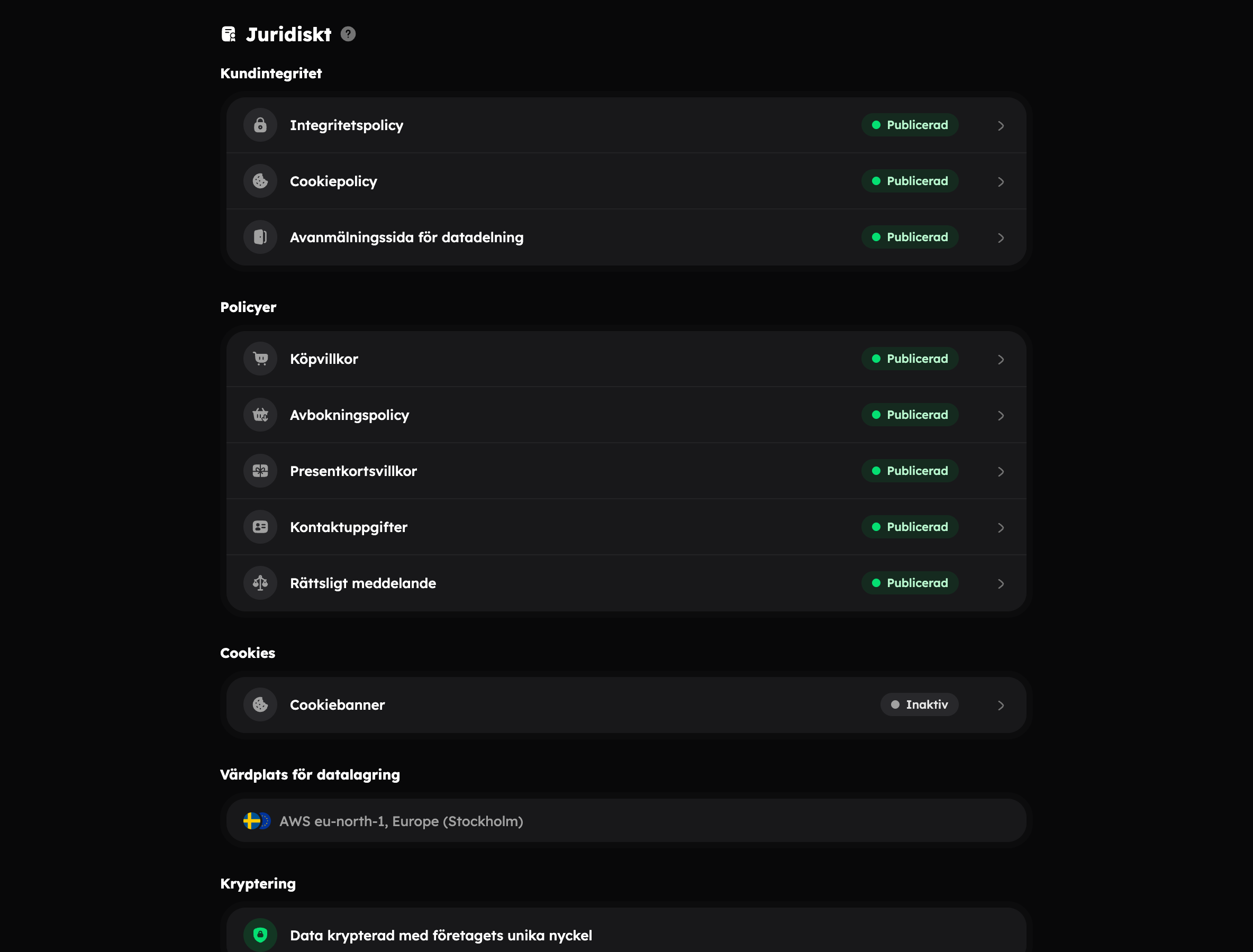
Each row shows a status:
- Published: the policy has text and is visible in the shop.
- Not set: the policy has no text. There's then no page and no link to it.
So a policy is published when you save a text, and unpublished when the text is removed. There's no separate publish button.
Three policies are filled in from the start#
When you create a company, Terms of purchase, Cancellation policy and Privacy policy are filled in from the templates with the company's details. The guest must receive the terms of purchase and the cancellation rules before buying, and checkout collects personal data — that's why they're in place straight away. The other five aren't set until you write something.
The text is yours from day one. It doesn't change by itself if you later change, for example, your cancellation rules, so read through the policies when your rules change.
Write or change a policy#
Open the policy
Click the policy in the table.
Write the text
Write in the Text field, or click Fill in from template to start from a ready-made text. If there's already text in the field, Awrora first asks whether it should be replaced with the template.
Save
Read the text through and click Save. The template is never saved by itself.
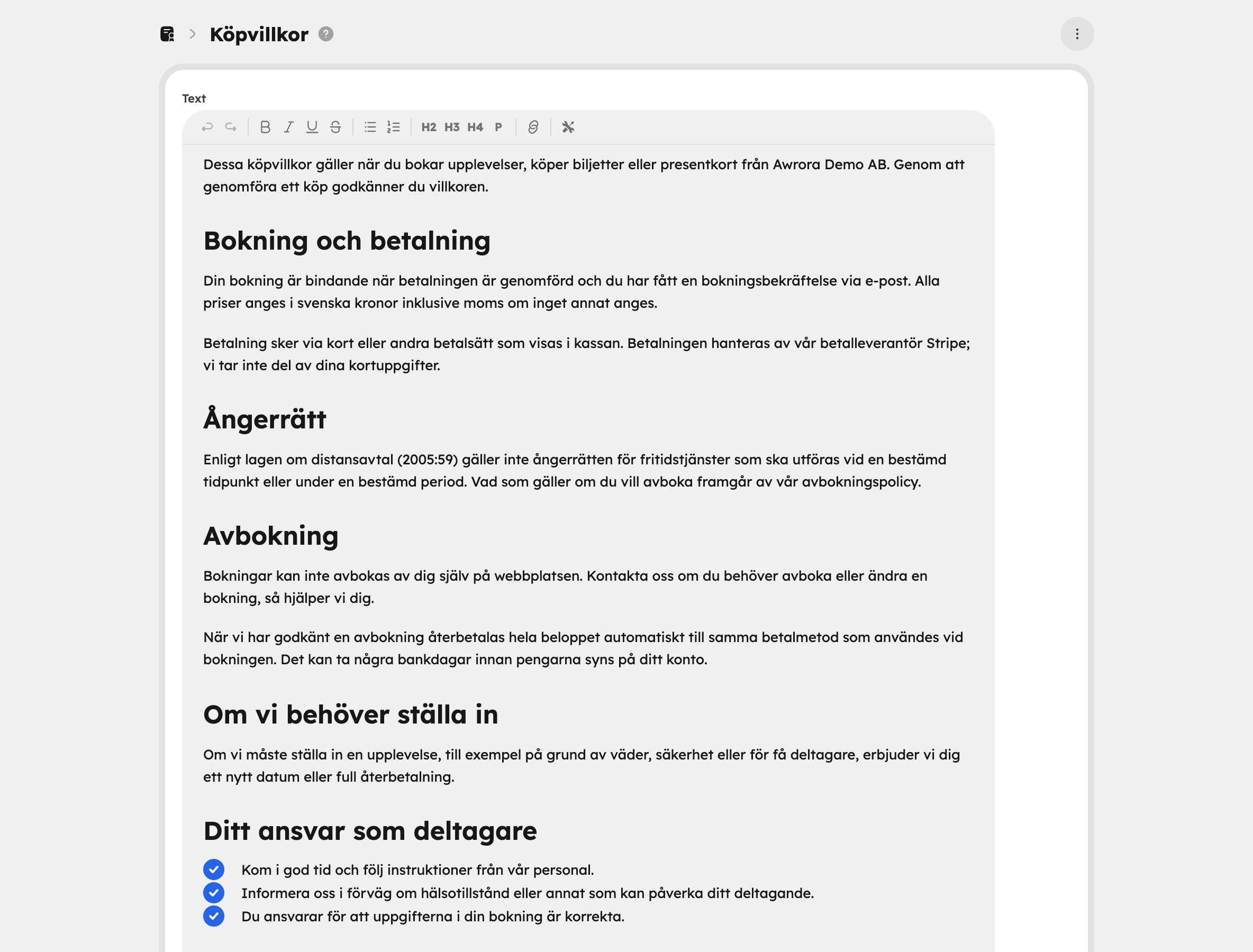
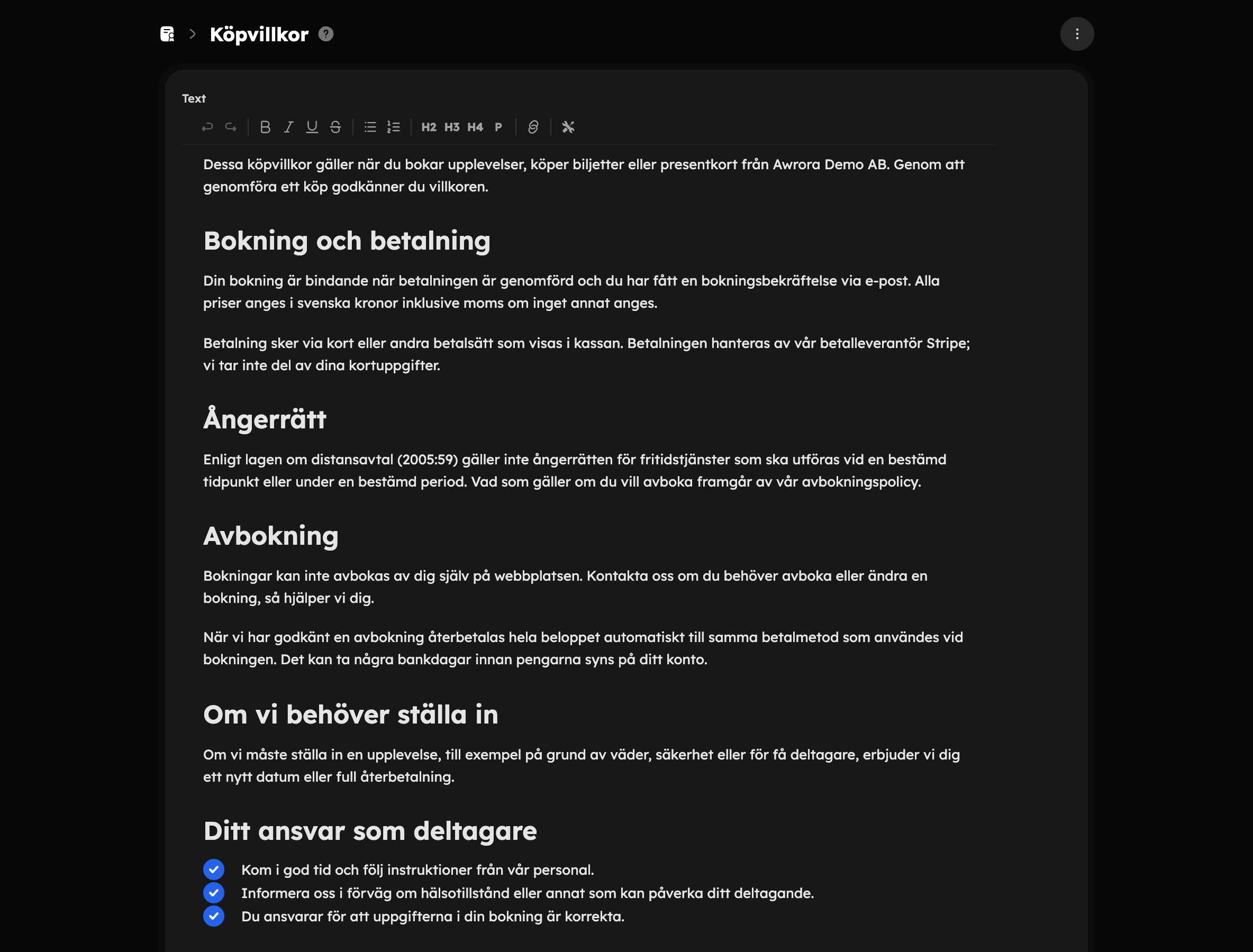
The template is filled with the company's details — name, company registration number, address, email and phone — and with your cancellation rules. It's written in Swedish.
The template isn't legal advice. Read it through and adapt it to your business.
Under SEO you can give the policy page its own SEO title and SEO description. If you leave them empty, the page heading and the start of the text are used.
The menu at the top right has View page, which opens the published policy in the shop, and Remove text, which empties the policy and unpublishes it.
In several languages#
The text and the SEO fields apply to the shop's default language. Translate them under SettingsLanguages, just like all other content. Read more in Languages and currencies.
Where the policies appear#
- The footer: the shop's footer links to every published policy.
- Checkout: checkout shows the links too, and below the pay button there's a line saying the guest accepts the terms of purchase and the cancellation policy. When buying a gift card, the gift card terms are mentioned instead of the cancellation policy. Only published policies are mentioned.
You choose whether the line should be a sentence or a checkbox the guest must tick under Checkout.
All policies are shown with the same page type, Policy, in the web editor. That's where you change how the pages look, but you always write the text here.
Cookies, storage and encryption#
Below the policies is the Cookie banner row, which opens the settings for the shop's cookie banner. Read more in Cookie banner.
At the bottom you can see where the company's data is stored and that customer details are encrypted with the organisation's own key. Click What does the encryption mean? for an explanation.
Aurora and the policies#
Aurora can read your policies and answer questions about what they say. Whether the texts are legally sufficient, though, is your call — ideally together with a lawyer.