If you build reports in Google Data Studio (formerly Looker Studio), you can show one of them right inside Awrora. You paste in the report's Share link once, and from then on the report sits on the app's page every time you open it — next to your bookings instead of in another tab.
Google Data Studio is an app you install under SettingsApps. It works on every plan. Administrators install the app and add the report.
Show your report#
Copy the Share link in Data Studio
Open the report in Google Data Studio, click Share and copy the report's link. The link starts with https://lookerstudio.google.com/reporting/. If you have the code from Embed report instead, that works too.
Install the app
Go to SettingsApps and click Install next to Google Data Studio. Then choose Open next to the app under Active apps.
Paste in the link
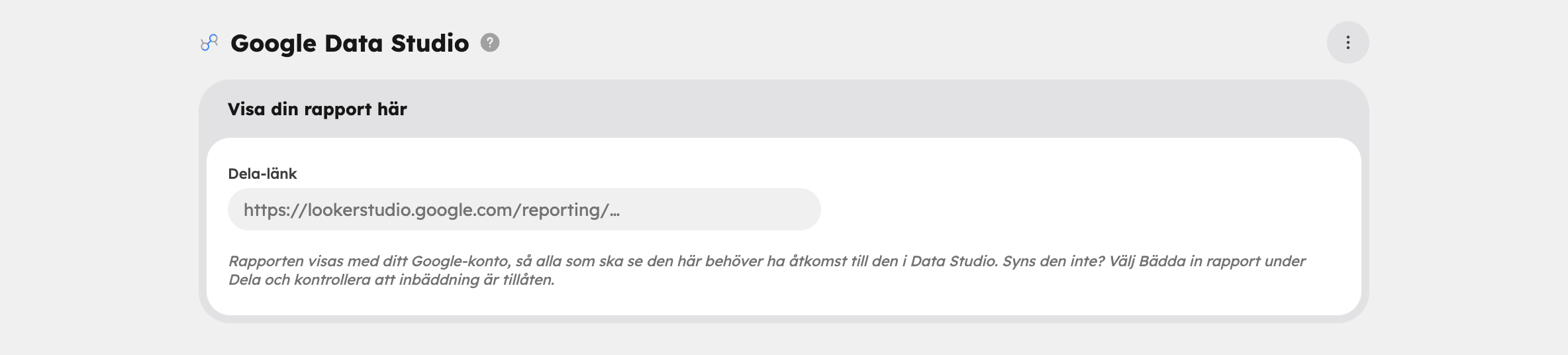
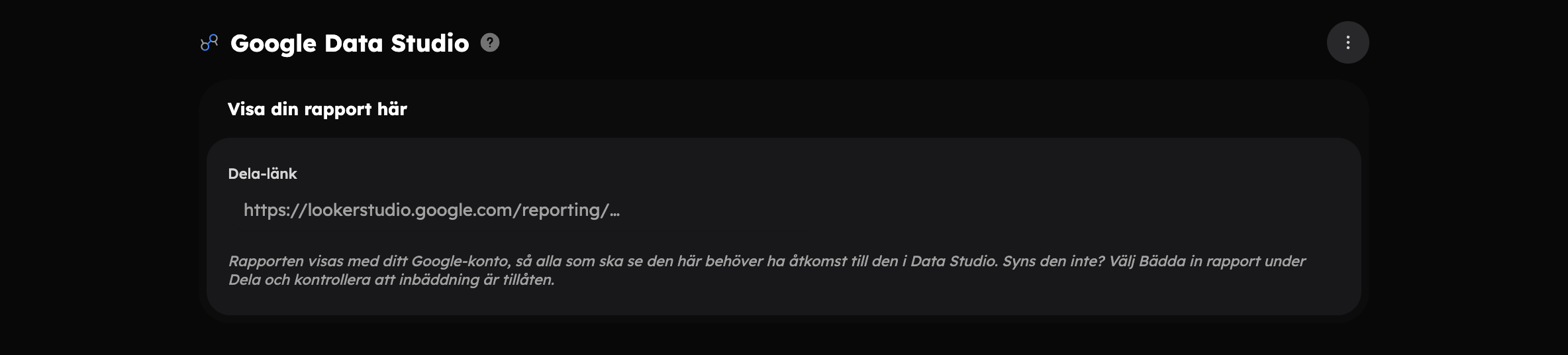
Paste the link into the Share link field in the Show your report here card and click Save in the bar that appears at the bottom.
The report now appears at the top of the page. Wherever you were in the report when you copied the link, it opens on that same page.
Who sees the report#
The report is shown with the Google account you're signed in with in your browser. Awrora doesn't hand out any access: anyone who isn't allowed to see the report in Data Studio won't see it in Awrora either. If colleagues should see the report here, they need access to it in Data Studio.
Report not showing? First check that you're signed in to the right Google account. Then choose Embed report under Share in Data Studio and make sure embedding is allowed.
Change or remove the report#
Below the report is the Report link card:
- Open in Data Studio opens the report in a new tab so that you can edit it.
- To show a different report, paste the new link into Share link and save.
- Remove report removes the report from the page. The report itself in Data Studio isn't affected.
If you uninstall the app under SettingsApps, the link is kept. If you install the app again, the same report is shown.
The report in Data Studio is built on the data sources you've connected there yourself. If you want every new booking to land automatically in, for example, Google Sheets, which you can then use as a data source, you can do that with Zapier.