An experience is what the guest books: a guided tour, a course, a paddling trip or a tasting. You edit everything about the experience — text, images, prices and dates — on a single page. You save your changes with Save — except the dates, which are saved as soon as you add them.
You'll find your experiences under Experiences in the side menu.
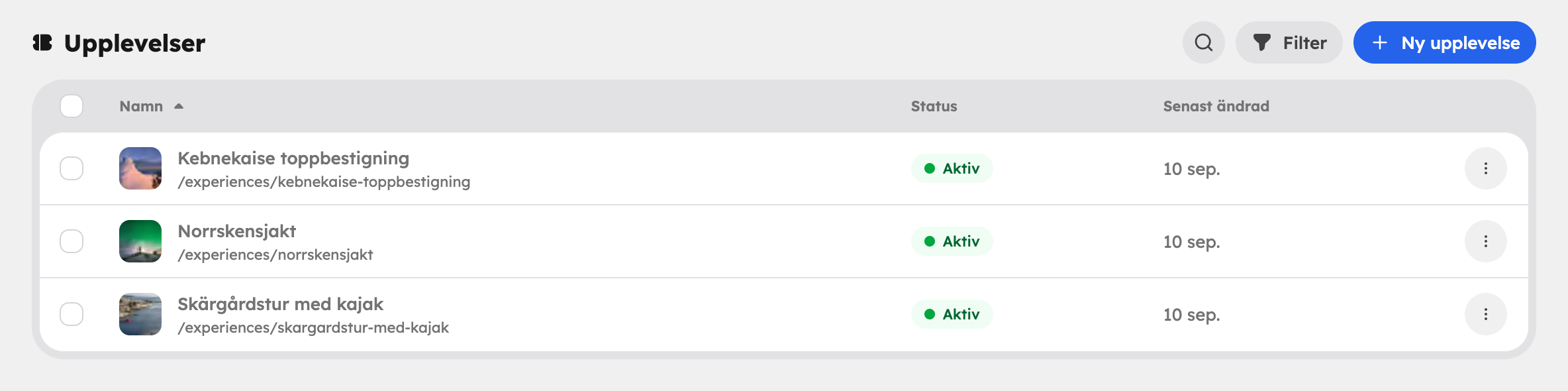
The list#
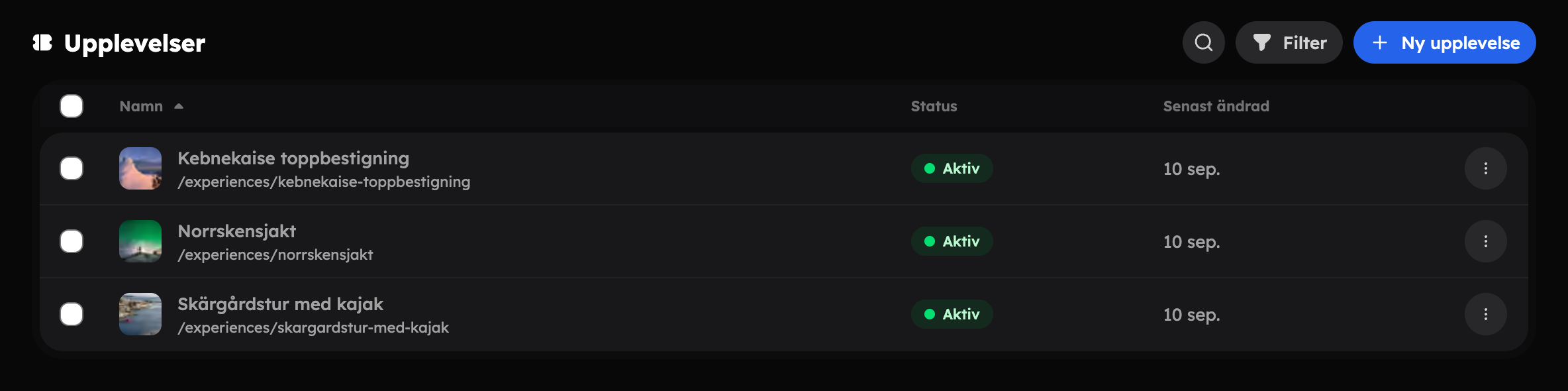
In the list you can see the name, status (Active or Inactive) and when the experience was last changed. You can search and filter by status. Choose Bin in the filter to see deleted experiences. There you can choose Restore or Delete permanently.
From the menu on each row you can Edit, add a New time slot, Duplicate or Delete. A deleted experience goes to the bin, and you can undo straight away in the message that appears. If you select several rows, you can duplicate or delete them in one go.
The editor from top to bottom#
The editor is arranged in the order you build an experience:
- Content — title, duration, description and tags.
- Media — images and videos.
- Prices — price rows and currencies.
- Seasons — different prices during certain periods.
- Upselling — add-ons, if the app is switched on.
- Dates — the time slots the guest can book.
- Settings — included/not included, questions and answers, quick facts, checkout fields, booking rules, and publishing and SEO.
Content and publishing Create, describe, publish, versions and the bin. | |
Prices Ticket types, group tickets, currencies and seasonal prices. | |
Time slots Add dates and times, capacity and minimum participants. |